Online barcode label generator
Learn how to build product labels with barcodes ready for print, using standard A4 printers and repeatable layout presets.
Read guideDesign A4 label sheets in your browser. Connect Odoo or add products manually. Print on any standard printer. No special hardware needed.
No registration required
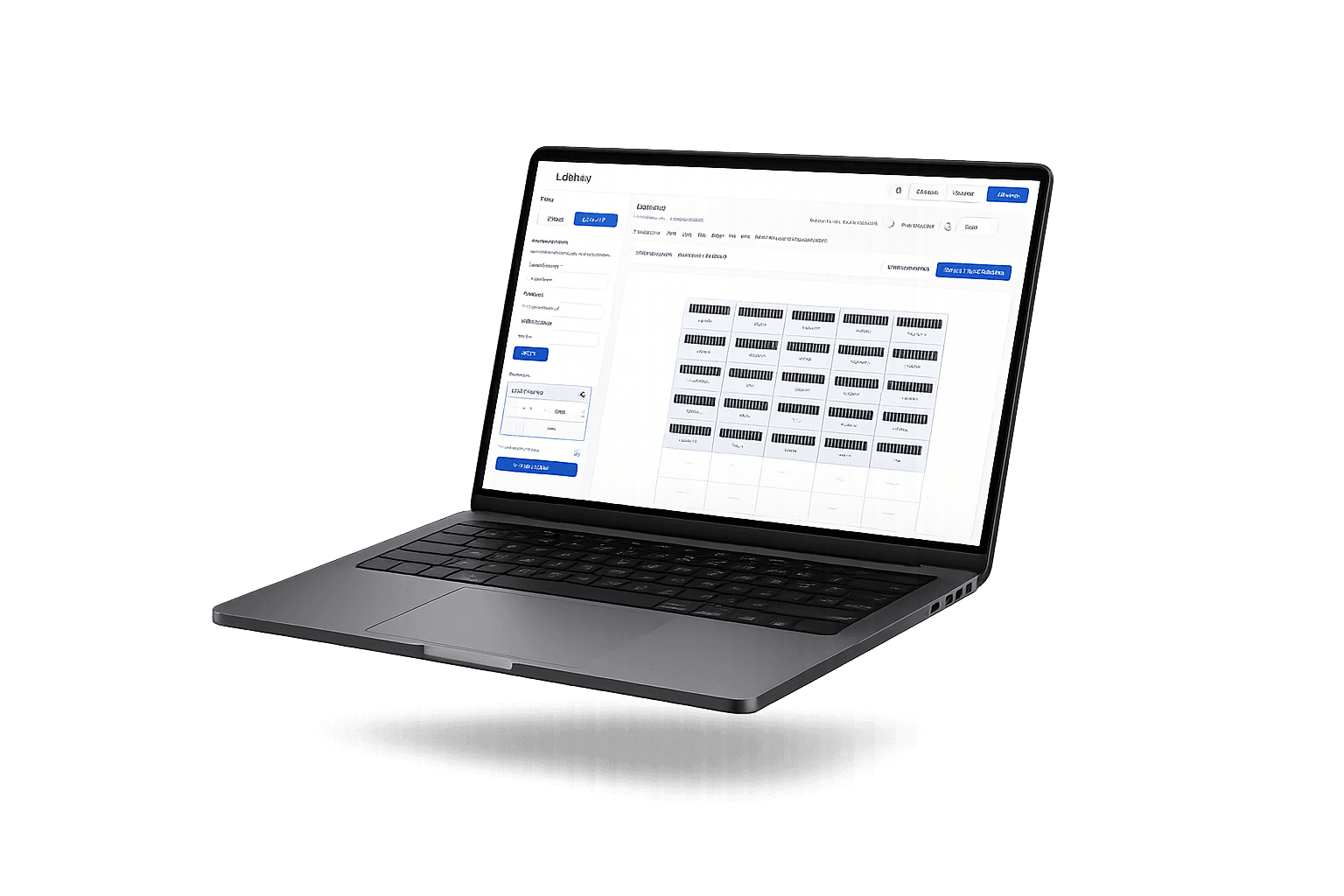
Professional label printing made simple
No need for expensive label printers. Use your existing office printer with standard A4 sheets.

Connect your Odoo 17 instance and search products instantly. Sync barcodes, names, and SKUs automatically.

Select labels, assign products, and print in seconds. Keyboard shortcuts and multi-select for power users.

From product to printed label in minutes
Connect Odoo 17 for automatic product sync or add products manually with name and barcode.
Click to select labels on the grid. Assign products from your list. Fill patterns with one click.
Review the preview and print directly to any standard printer. Perfect alignment every time.
No. You can use manual mode and set up a baseline flow in minutes.
Start with 3x8 for the best balance of readability and printer throughput.
Yes. After validating one test sheet and a short scan check, run the full batch.
Seamless integration with Odoo via JSON-RPC. Search and import products without leaving the label editor.
/api/products/search{"query": "laptop"}
{"total": 2,"items": ["Laptop 13", "Laptop 15"]}
Find practical guides to pick the right format, connect Odoo, and scale printing without slowing your workflow.
Learn how to build product labels with barcodes ready for print, using standard A4 printers and repeatable layout presets.
Read guideOffice-printer friendly templates for everyday inventory operations.
Read guideDirect Odoo 17 sync to keep inventory and labels aligned every day.
Read guideZone-based labeling process for incoming stock, location control, and internal traceability.
Read guideGuide to reduce POS errors and improve replenishment with fast, consistent label workflows.
Read guidePerfect for warehouses, shops, and inventory teams

Print labels for incoming stock, organize shelves, and track inventory with barcodes. Ideal for small to medium warehouses.

Label products for point of sale, organize backstock, and prepare shipments. Fast labeling for busy stores.
Labbely is MIT licensed. Fork it, customize it, self-host it. Built with Next.js, Tailwind CSS, and shadcn/ui. Powered by Codex 5.2.
Built with Codex 5.2 · Licensed under MIT